Streamlit Mastery for Data Scientists
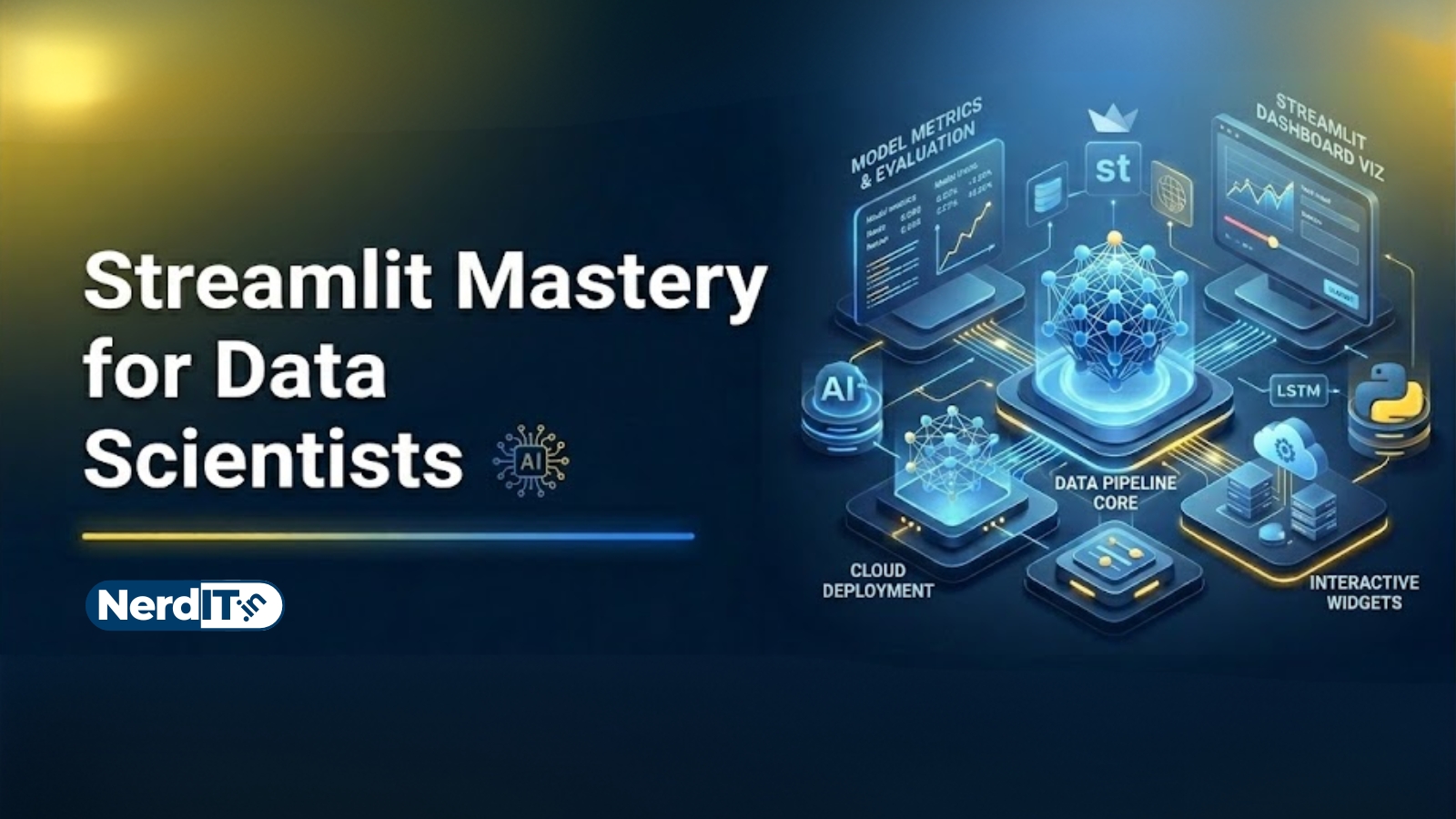
Learn how to build powerful and interactive data science applications using Streamlit. Create dashboards, visualize datasets, integrate machine learning models, and develop real-world analytics tools with modern Python workflows, responsive UI components, and professional deployment techniques.
What's included
24
Lessons
4h 49m
Duration
Certificate
What you'll learn
Skills and outcomes you'll walk away with
Streamlit Fundamentals for Data Analysis
Python and Data Science Foundations
Streamlit UI and Layout Design
Interactive Data Display and Visualization
Data Cleaning and Preprocessing Applications
Data Analysis with Pandas and Streamlit
Course curriculum
24 lessons • 4h 49m total
Streamlit Mastery for Data Scientists24 lessons
Streamlit Fundamentals for Data Analysis
Python and Data Science Foundations
Streamlit UI and Layout Design
Interactive Data Display and Visualization
Data Cleaning and Preprocessing Applications
Data Analysis with Pandas and Streamlit
Statistical Analysis and Reporting
Advanced Data Visualization Dashboards
Database and API Integration
Machine Learning with Streamlit
Deep Learning and AI Interfaces
Real-Time Data Analysis and Streaming
LLM and Generative AI Applications
Authentication and User Management
Performance Optimization and Caching
Deployment and Cloud Hosting
Project — Sales Analytics Dashboard
Project — Finance Data Analysis Platform
Project — Healthcare Data Dashboard
Project — Machine Learning Prediction System
Project — AI Chatbot and RAG System
Project — Real-Time Monitoring Dashboard
Project — Business Intelligence Platform
Expert-Level Streamlit and Data Science
Certification path
Certification exam
72 multiple-choice questions • 70% passing score required
Streamlit Mastery Final Project: Building an End-to-End Data Science Application
The final project requires students to build a fully functional, interactive data science web application using Streamlit. Follow these steps: 1. Dataset Selection: Choose a real-world dataset from a source like Kaggle or UCI. 2. Data Processing: Use Pandas to clean and transform the data directly within the app logic. 3. Interactive Dashboard: Implement at least three different types of interactive charts (e.g., Plotly, Altair, or Pydeck) that update dynamically based on user-selected filters. 4. State Management: Utilize st.session_state to track user preferences, login states, or multi-step processes. 5. Machine Learning Integration: Integrate a pre-trained model or train a Scikit-Learn model to provide real-time predictions based on user input. 6. Performance Optimization: Apply @st.cache_data and @st.cache_resource to optimize data loading and model inference. 7. Professional UI: Organize the application using columns, containers, tabs, and a sidebar for a polished user experience. 8. Deployment: Publish your application to Streamlit Community Cloud and provide the public URL.
Verified certificate
Earn a verified PDF certificate with unique verification ID upon completion • ₹499
Related courses
More free AI & Data Science courses with verified certificates
 Mathematics for Data Science: Linear Algebra & CalculusBeginner
 Machine Learning FundamentalsIntermediate
 Mastering Linear Regression: Theory & ImplementationBeginner
 Mastering Random Forest AlgorithmsIntermediate
Reviews & ratings
No reviews yet — be the first!
Free
Free course — learn at your own pace
Certificate: ₹499
Your certificate preview
₹499 — pay only to certify
NIT-8F3K-2Q7AThis is to certify that
has successfully completed the course
- Unique verification ID — provably genuine
- Shareable & ready for your LinkedIn profile
- Verifiable by anyone, anytime on our verify page
- Learn 100% free — the certificate is optional