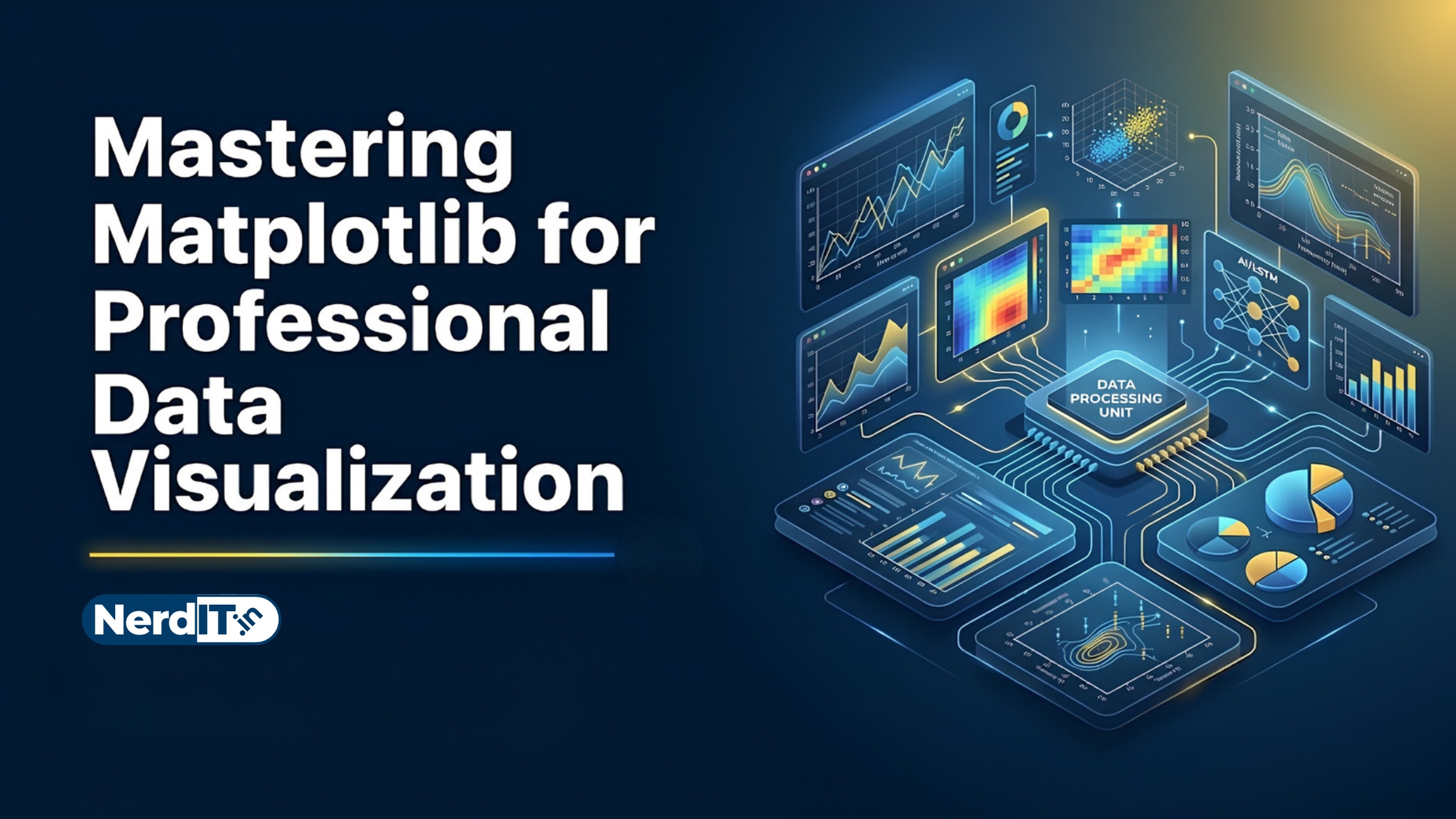
Mastering Matplotlib for Professional Data Visualization
This course provides a complete foundation in Matplotlib, covering basic plotting, advanced visualization techniques, customization, integration with Pandas and Seaborn, and performance optimization. It equips learners with the skills required to create clear, professional, and scalable visualizations for data analysis and scientific computing in Python.
What's included
15
Lessons
6h 40m
Duration
Certificate
What you'll learn
Skills and outcomes you'll walk away with
Introduction to Matplotlib
Core Figure and Axes Concepts
Basic Plot Types in Matplotlib
Customization and Styling
Statistical and Scientific Plots
Advanced Layout and Composition
Course curriculum
15 lessons • 6h 40m total
Mastering Matplotlib for Professional Data Visualization15 lessons
Introduction to Matplotlib
Core Figure and Axes Concepts
Basic Plot Types in Matplotlib
Customization and Styling
Statistical and Scientific Plots
Advanced Layout and Composition
Working with Images and Patches
Animation
Interactive Features and Widgets
Saving, Exporting, and Output Formats
Matplotlib with Pandas and NumPy
Custom Artists and Rendering
Custom Backends and Renderers
Integration with Frameworks and Tools
Publication-Quality and Professional Visualization
Certification path
Certification exam
45 multiple-choice questions • 70% passing score required
Final Project: Designing a Publication-Quality Data Narrative
The objective of this final project is to synthesize your knowledge of Matplotlib by creating a professional-grade visual report. You are required to complete the following steps: 1. Dataset Selection: Choose a complex, real-world dataset (e.g., socioeconomic, environmental, or financial data) that allows for multi-dimensional analysis. 2. Composite Visualization: Create a multi-panel figure using `plt.subplots` or `GridSpec` containing at least four distinct subplots that tell a cohesive story. This suite must include at least one advanced plot type (such as a heatmap, violin plot, or quiver plot). 3. Professional Styling: Apply advanced customization including custom color cycles, specialized typography, and LaTeX-style mathematical expressions. Ensure you 'de-clutter' the visual by managing spines, ticks, and whitespace effectively. 4. Strategic Annotation: Use `ax.annotate` or `ax.text` to highlight specific outliers or trends, providing context that a raw chart would otherwise miss. 5. Technical Delivery: Submit a Jupyter Notebook containing the well-documented code and a final exported high-resolution (300 DPI) PNG or PDF version of your figure.
Verified certificate
Earn a verified PDF certificate with unique verification ID upon completion • ₹299
Related courses
More free AI & Data Science courses with verified certificates
 Mathematics for Data Science: Linear Algebra & CalculusBeginner
 Machine Learning FundamentalsIntermediate
 Mastering Linear Regression: Theory & ImplementationBeginner
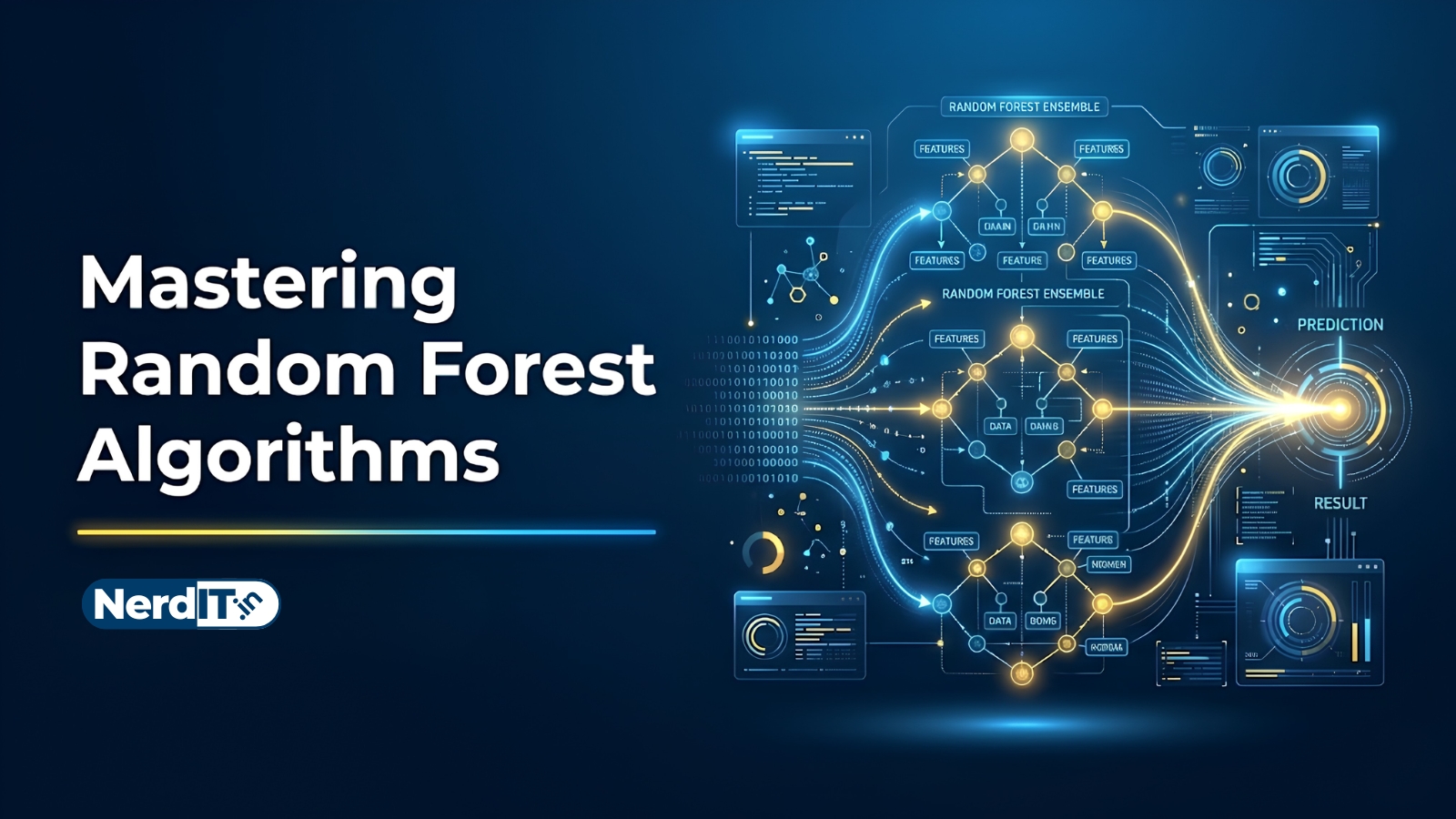 Mastering Random Forest AlgorithmsIntermediate
Reviews & ratings
No reviews yet — be the first!
Free
Free course — learn at your own pace
Certificate: ₹299
Your certificate preview
₹299 — pay only to certify
NIT-8F3K-2Q7AThis is to certify that
has successfully completed the course
- Unique verification ID — provably genuine
- Shareable & ready for your LinkedIn profile
- Verifiable by anyone, anytime on our verify page
- Learn 100% free — the certificate is optional