Power BI for Data Analytics: Master Dashboards, DAX & KPIs
Master Microsoft Power BI to transform raw business data into interactive dashboards, meaningful KPIs, and actionable business insights. This practical, hands-on course is designed for aspiring Business Analysts, Data Analysts, BI professionals, and anyone who wants to use Power BI for real-world business decision-making. Starting with Power BI fundamentals, the course takes you through data import, Power Query, data cleaning, data modeling, DAX, time intelligence, KPI calculations, interactive visualizations, dashboard design, publishing, and business reporting. Instead of learning Power BI features in isolation, you will learn how to use Power BI to answer real business questions such as: Which products, regions, and sales teams are performing best? How is revenue changing over time? Which customers contribute the most value? What are the key drivers of business performance? How can management monitor KPIs from a single dashboard? Which business areas require attention? How can raw data be transformed into actionable insights?
What's included
13
Lessons
4h 56m
Duration
Certificate
What you'll learn
Skills and outcomes you'll walk away with
Power BI for Business Analytics: Getting Started
Importing Business Data into Power BI
Power Query for Data Cleaning and Transformation
Data Modeling for Business Analytics
DAX Fundamentals: Measures and Calculated Columns
DAX Context and Business Calculations
Course curriculum
13 lessons • 4h 56m total
Power BI for Data Analytics: Master Dashboards, DAX & KPIs13 lessons
Power BI for Business Analytics: Getting Started
Importing Business Data into Power BI
Power Query for Data Cleaning and Transformation
Data Modeling for Business Analytics
DAX Fundamentals: Measures and Calculated Columns
DAX Context and Business Calculations
Time Intelligence and Trend Analysis
Business KPIs and Performance Metrics
Power BI Visualizations and Interactive Reports
Business Dashboard Design
Power BI Performance, Refresh and Security
Publishing and Sharing Power BI Reports
End-to-End Power BI Sales Analytics Project
Certification path
Certification exam
39 multiple-choice questions • 70% passing score required
Verified certificate
Earn a verified PDF certificate with unique verification ID upon completion • ₹999
Related courses
More free Development courses with verified certificates
 Flask: Lightweight Power for Web AppsBeginner
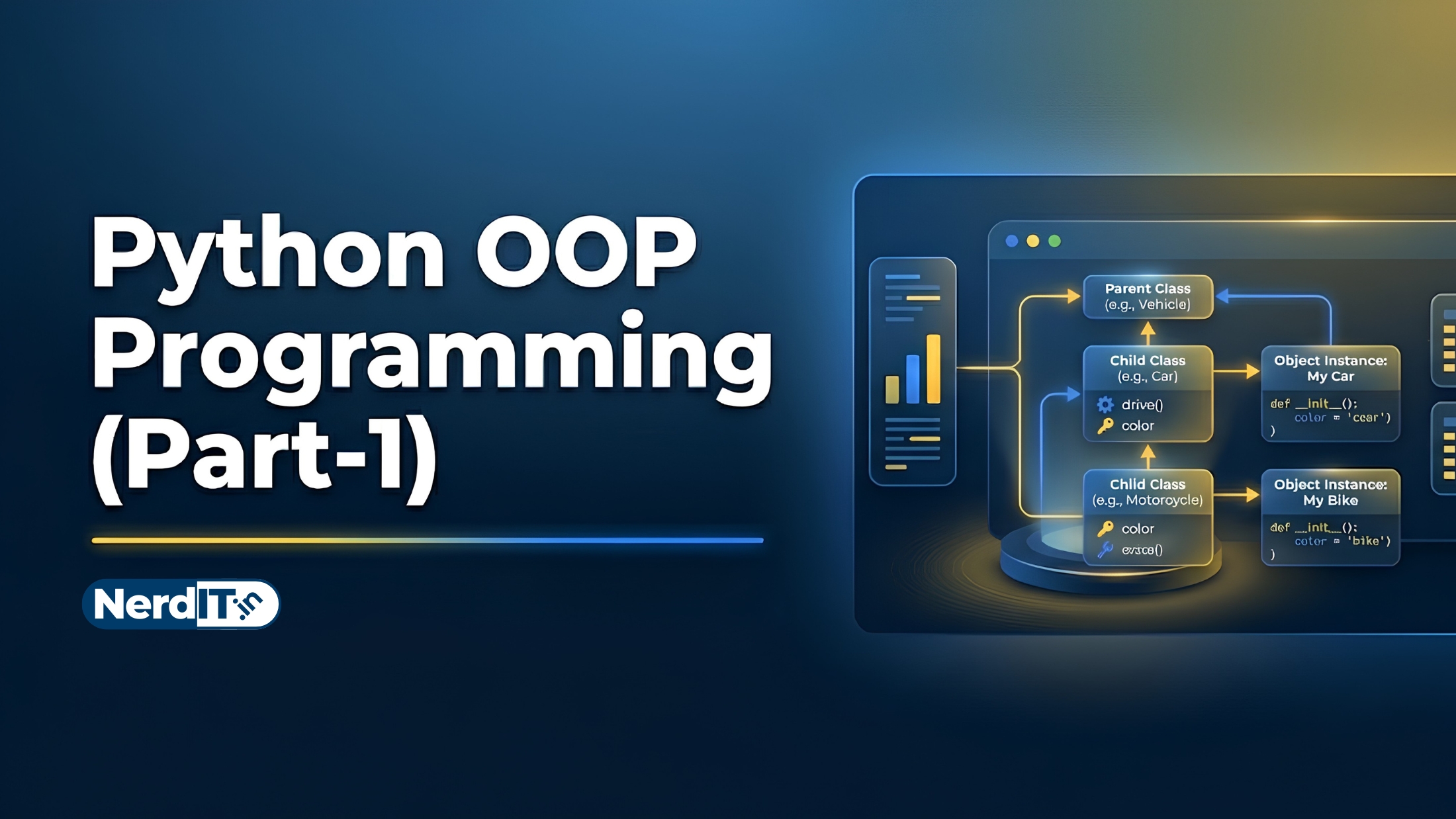 Python OOP ProgrammingAdvanced
 Python Flask and REST API DevelopmentAdvanced
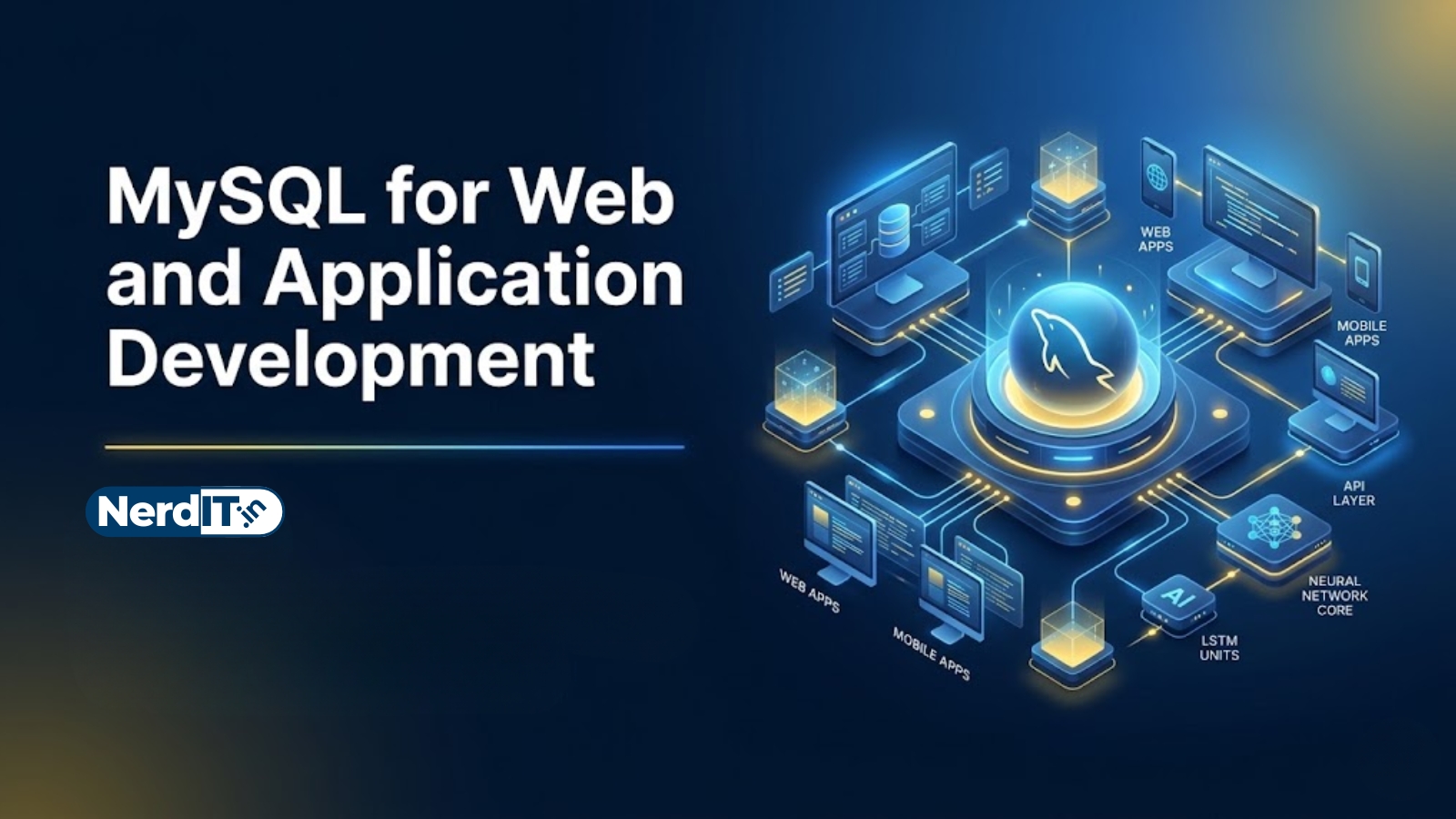 MySQL for Web and Application DevelopmentIntermediate
Reviews & ratings
No reviews yet — be the first!
Free
Free course — learn at your own pace
Certificate: ₹999
Your certificate preview
₹999 — pay only to certify
NIT-8F3K-2Q7AThis is to certify that
has successfully completed the course
- Unique verification ID — provably genuine
- Shareable & ready for your LinkedIn profile
- Verifiable by anyone, anytime on our verify page
- Learn 100% free — the certificate is optional