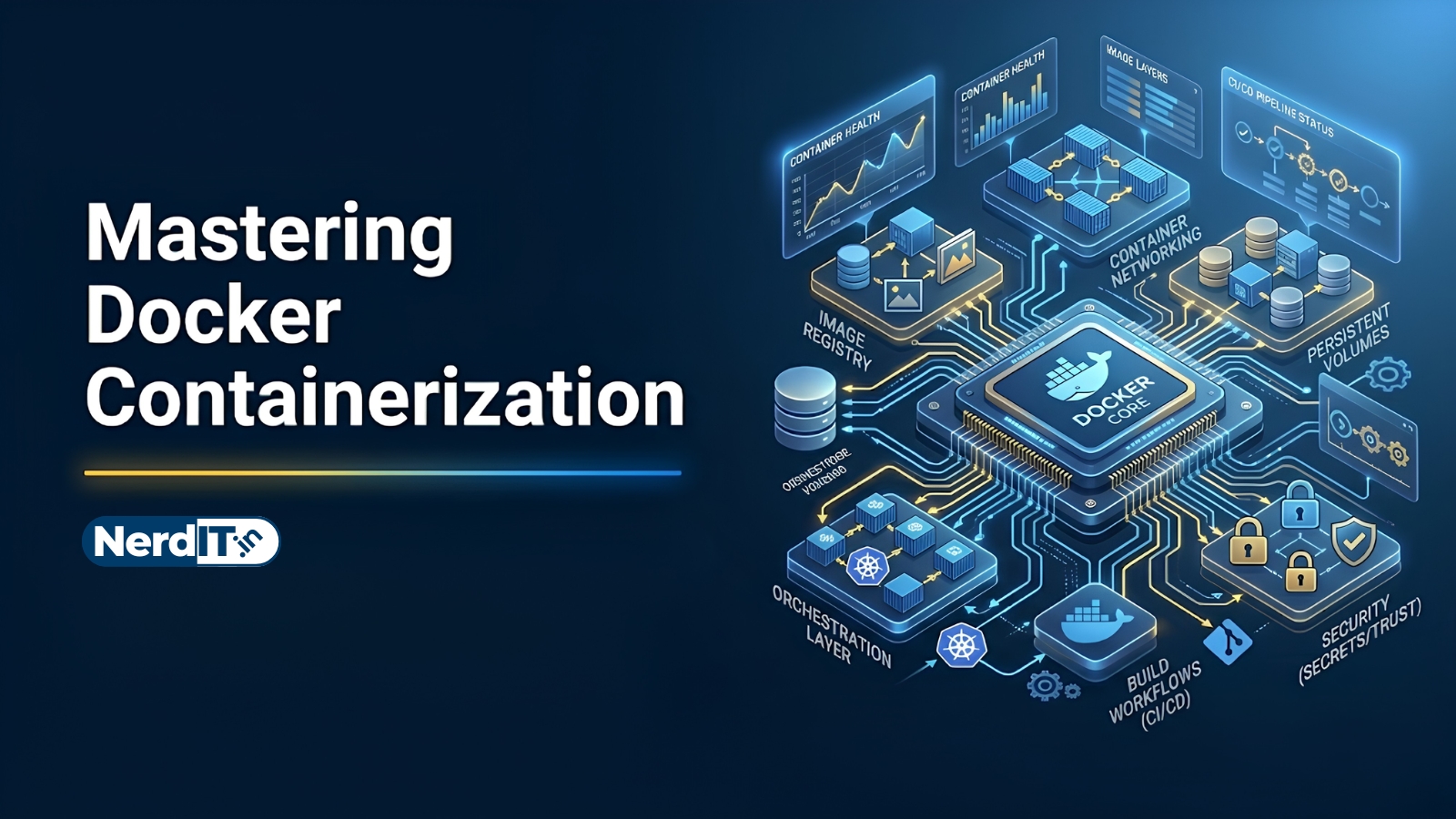
Mastering Docker Containerization
Learn how to build, manage, and deploy applications using Docker containers. Explore containerization concepts, Docker images, volumes, networking, Docker Compose, and real-world deployment workflows used in modern software development, DevOps, cloud computing, and scalable application infrastructure.
What's included
27
Lessons
25h 6m
Duration
Certificate
What you'll learn
Skills and outcomes you'll walk away with
Introduction to Docker and Containerization
Computer Systems, Linux, and Server Foundations
Networking and Cloud Computing Fundamentals
Python, Node.js, and Programming for DevOps
Understanding Virtualization and Container Architecture
Setting Up Docker Development Environment
Course curriculum
27 lessons • 25h 6m total
Mastering Docker Containerization27 lessons
Introduction to Docker and Containerization
Computer Systems, Linux, and Server Foundations
Networking and Cloud Computing Fundamentals
Python, Node.js, and Programming for DevOps
Understanding Virtualization and Container Architecture
Setting Up Docker Development Environment
Understanding Docker Architecture and Components
Docker Images, Containers, and Basic Commands
Dockerfile and Image Building Workflows
Docker Volumes and Persistent Storage Systems
Docker Networking and Container Communication
Docker Compose and Multi-Container Applications
Docker Registry and Image Management Systems
Container Security and Docker Hardening
Docker for Backend Development and APIs
Docker with PostgreSQL, MongoDB, and Databases
Docker for AI, ML, and Generative AI Systems
Docker and Cloud-Native DevOps Workflows
Real-Time Systems and Event-Driven Container Architectures
AWS, Google Cloud, and Azure Container Deployment
Real-World Business and Enterprise Docker Applications
Project — Containerized Full-Stack Web Application
Project — AI-Powered Generative AI Container Platform
Project — DevOps CI/CD and Container Orchestration Platform
Project — Cloud-Native Microservices Architecture Platform
Project — Enterprise AI and Container Management Dashboard
Expert-Level Docker and Container Engineering
Certification path
Certification exam
81 multiple-choice questions • 70% passing score required
Final Project: Containerizing a Scalable Multi-Tier Web Application
This assignment requires you to demonstrate your mastery of Docker by containerizing a complete full-stack application. You must implement a three-tier architecture consisting of a frontend (React/Vue), a backend API (Node.js/Python), and a persistent database (PostgreSQL/MongoDB). Your tasks are as follows: 1. Dockerization: Create optimized Dockerfiles for both the frontend and backend services using multi-stage builds to ensure minimal image sizes. 2. Orchestration: Write a docker-compose.yml file that defines all three services, ensuring proper service dependencies using the 'depends_on' condition. 3. Networking: Define a custom bridge network to facilitate communication between the application layers while isolating the database from external access. 4. Persistence: Implement Docker Volumes to ensure that database data remains persistent even after the containers are stopped or removed. 5. Configuration: Use Environment Variables for sensitive data and configuration settings, ensuring no secrets are hardcoded in the Dockerfiles. 6. Reliability: Add Health Checks to the database service to ensure the backend only attempts to connect when the database is fully initialized. 7. Documentation: Provide a README file detailing the commands required to build and run the entire stack.
Verified certificate
Earn a verified PDF certificate with unique verification ID upon completion • ₹499
Related courses
More free Development courses with verified certificates
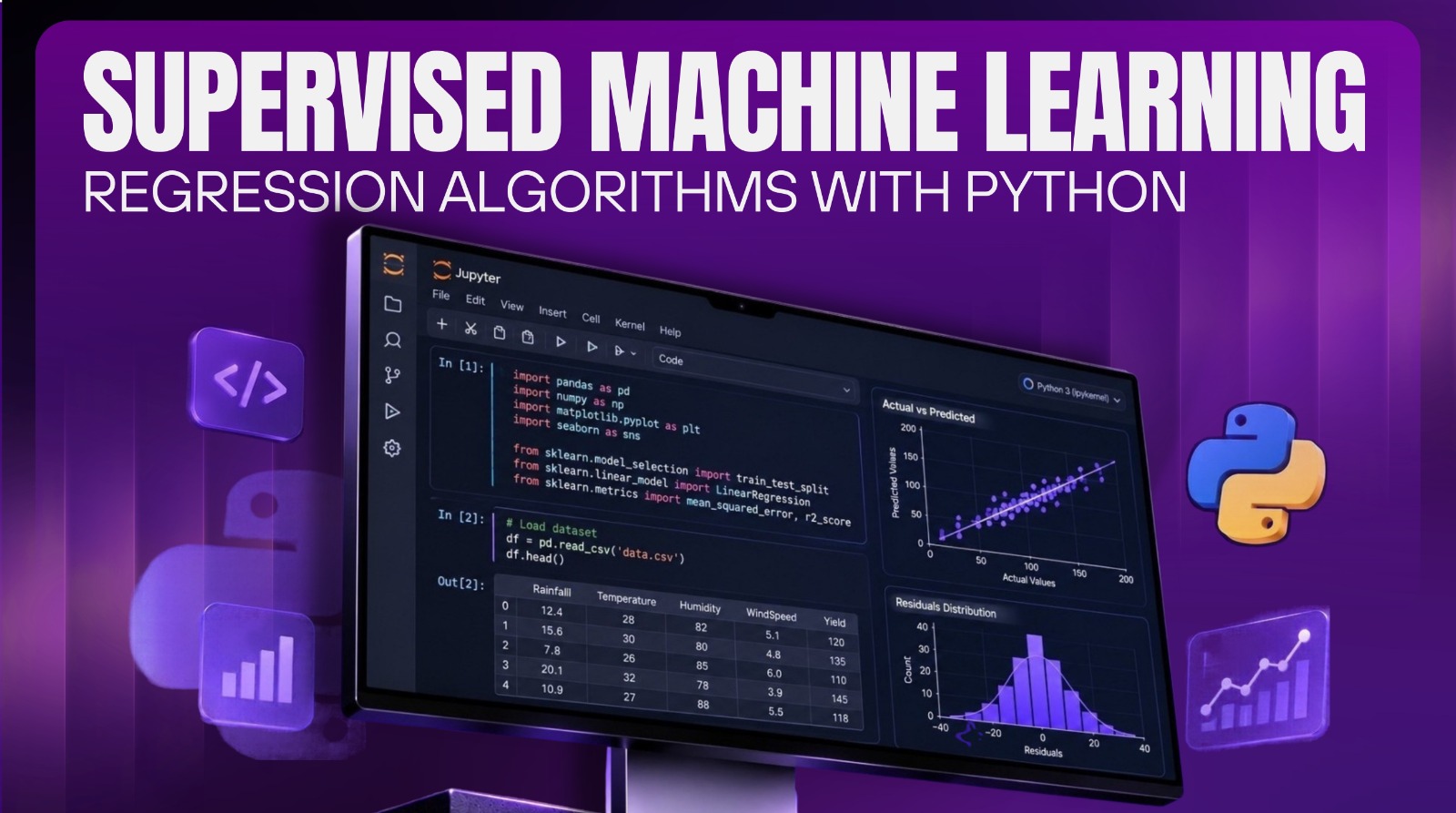 Supervised Machine Learning: Regression Algorithms with PythonBeginner
- TEST 3Beginner
- Introduction to Flask and RestAPIsBeginner
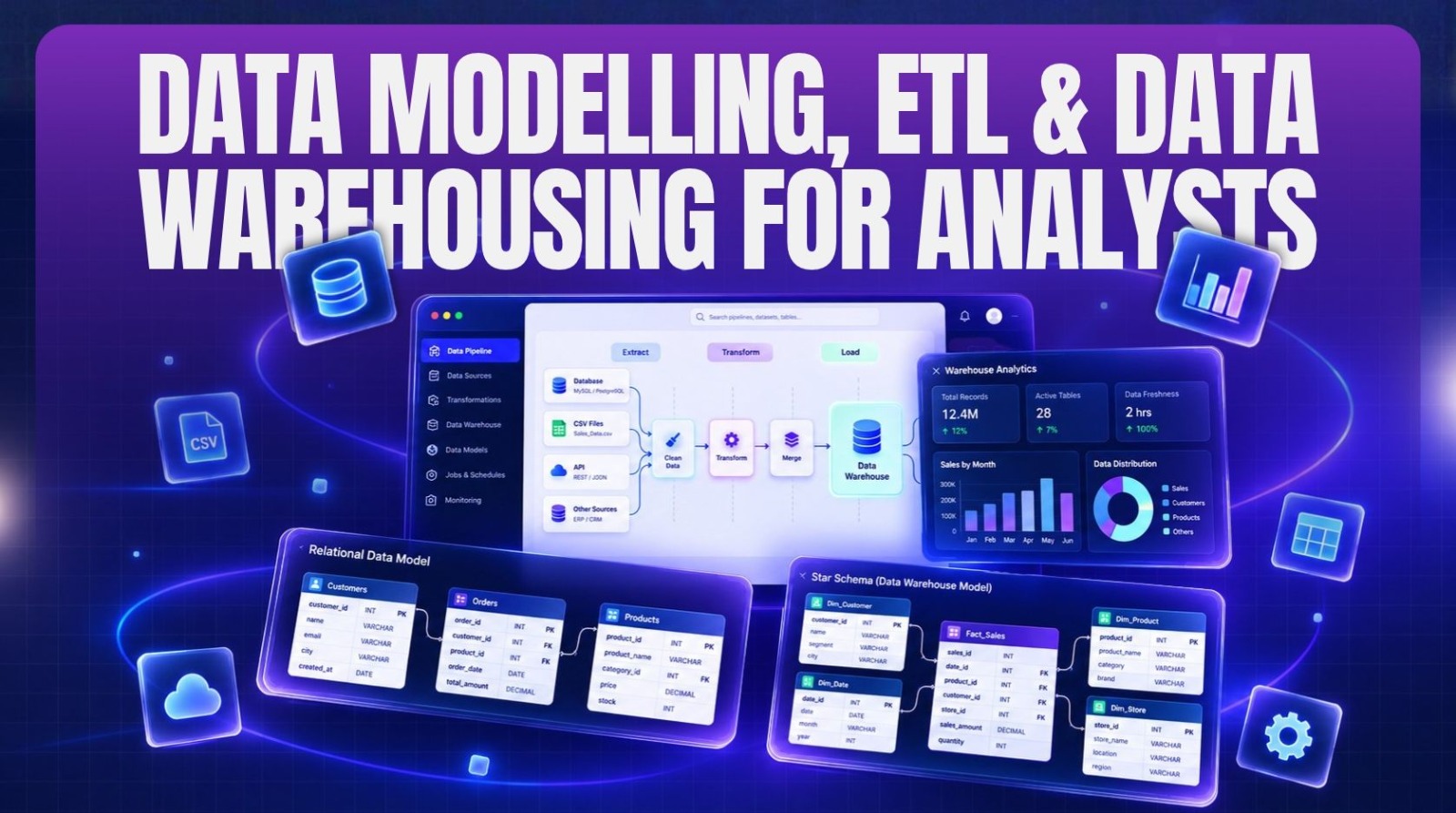 Data Modelling, ETL & Data Warehousing for AnalystsAdvanced
Reviews & ratings
No reviews yet — be the first!
Free
Free course — learn at your own pace
Certificate: ₹499
Your certificate preview
₹499 — pay only to certify
NIT-8F3K-2Q7AThis is to certify that
has successfully completed the course
- Unique verification ID — provably genuine
- Shareable & ready for your LinkedIn profile
- Verifiable by anyone, anytime on our verify page
- Learn 100% free — the certificate is optional